In operating systems, file systems are the foundation of stability. Users expect their storage layer to be uneventful, predictable, and above all, safe.
But behind the scenes of the Linux kernel, the development of Bcachefs—the modern Copy-on-Write (COW) file system slated to compete with Btrfs and ZFS—has been anything but boring.
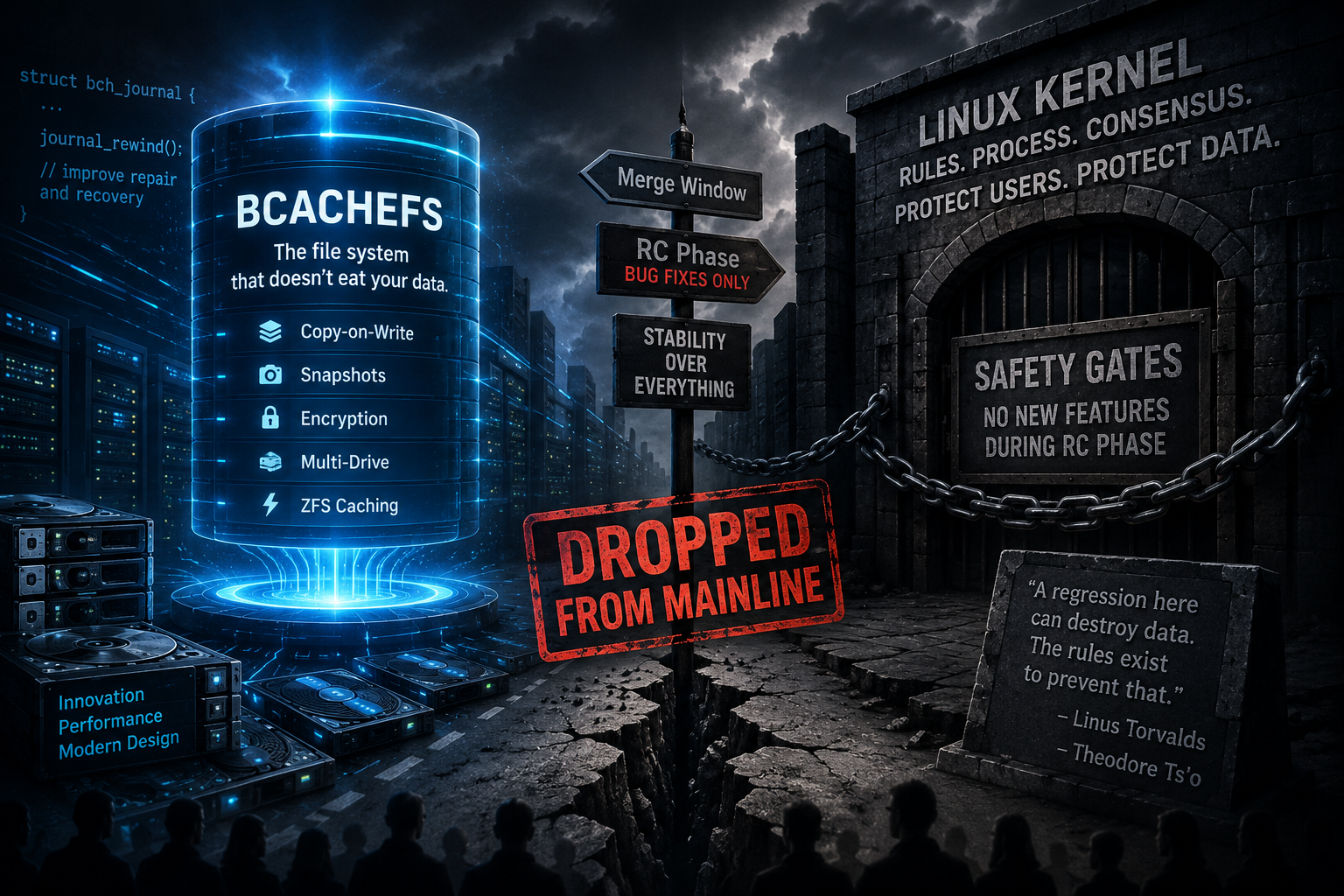
Following a series of heated standoffs between Linus Torvalds and Bcachefs lead maintainer Kent Overstreet, the Linux creator made a dramatic executive decision: Bcachefs has been dropped from the mainline Linux kernel.
This conflict highlights the tension between rapid, visionary development and the strict discipline needed to manage software for billions of devices worldwide.
Before diving into the drama, it’s important to understand the promise of Bcachefs and why its development became so significant.
Merged into the mainline Linux kernel late in 2023, Bcachefs was hailed as the next-generation file system for the Linux ecosystem.
For years, Linux users have faced challenges with advanced storage features:
- Btrfs was built into the kernel but has historically suffered from rocky reliability (particularly around RAID 5/6 write holes).
- ZFS was highly stable and feature-rich, but licensing conflicts (GPL vs. CDDL) kept it out of the mainline kernel, requiring users to install it as an out-of-tree module.
Bcachefs promised to bridge this gap with a high-performance, feature-rich, Copy-on-Write design. Its message was simple: “The file system that doesn’t eat your data.” It brought snapshotting, encryption, multi-drive management, and ZFS caching directly into Linux.
The Cardinal Sin: Features in the Release Candidate Phase
The breaking point did not occur because of a bug. It occurred because of a fundamental breach of the Linux kernel’s development protocol.
During the release cycle, kernel development follows a strict, consensus-based timeline:
1. The Merge Window: A two-week period where new features, drivers, and subsystems are merged into the upcoming kernel version.
2. The RC Phase: Code is frozen; developers may only fix bugs and regressions to ensure release stability.
During the RC phase, Kent Overstreet submitted a pull request containing a major change called “journal-rewind.” The feature was designed to improve Bcachefs’ repair and recovery functionality—a highly sensitive part of any file system.
Linus Torvalds objected. Introducing a structural change to journaling during the RC phase violates the kernel’s core safety rules.
Theodore Ts’o, the long-time maintainer of the robust ext4 file system, also weighed in. He pointed out that modifying journaling code so late in the cycle risks introducing severe, unpredictable regressions that could destroy user data—the exact opposite of what a file system is supposed to do.
A Clash of Philosophies: Rules vs. Agility
The debate quickly devolved from a technical discussion into a clash of development philosophies.
Kent Overstreet argued that rules should be flexible when fixing data integrity. He felt delivering critical recovery features outweighed following the standard timeline, claiming Bcachefs needed more agility than traditional file systems like ext4.
Torvalds and Ts’o countered with a different reality: the rules are what protect user data.
In Linux’s vast ecosystem, a regression in a core file system can brick servers and corrupt data. Strict merge windows are crucial safety gates, proven over decades.
The Parting of Ways
After a tense back-and-forth, Overstreet resubmitted the patch, arguing that other file systems, such as XFS and Btrfs, had been granted similar flexibility in the past.
Linus merged the patch to unblock the immediate release, but reached his limit. He made it clear that because Overstreet rejected the consensus-based rules of kernel development and refused to accept standard oversight, Bcachefs could no longer remain in mainline Linux.
Torvalds officially dropped support for Bcachefs, parting ways with the filesystem.
What This Means for the Future of File Systems
The removal of Bcachefs from the mainline kernel is a significant setback for the project, influencing not only its immediate trajectory but also shaping how future filesystems might approach kernel integration and community process.
1. Out-of-Tree Maintenance
Bcachefs will now be maintained “out-of-tree,” as ZFS is. Developers must package and compile modules for each release, which creates friction for users because Bcachefs won’t work natively with standard distributions.
2. Slowed Adoption
Mainstream distributions are unlikely to support filesystems not in the mainline Linux kernel. Bcachefs will likely be limited to homelabbers, power users, and custom distributions.
3. A Precedent for Kernel Governance
This incident reinforces the authority of mainline kernel maintainers and sets a precedent for how future contributors should navigate development protocols. It signals to all developers that adherence to established processes will remain essential for the inclusion and long-term success of new filesystems in Linux.
Final Thoughts
The Bcachefs drama is a tragedy of open-source engineering. Bcachefs is a brilliant, highly innovative filesystem that solved problems other filesystems spent decades avoiding.
But in enterprise and system-level software, how you build is just as important as what you build.
The Linux kernel is the most successful collaborative software project in human history because it prioritizes safety, discipline, and consensus over individual speed. When a developer refuses to play by those rules, the system self-corrects—even if it means losing some of the most promising storage technology of the decade.
Support stable systems, open standards, and the rigorous engineering that keeps our digital world running.