Welcome, 2026! This year I’m going to get my hands a little dirtier by shifting from theory-heavy exploration into something more concrete: real hardware, real experiments, real mistakes—and the lessons that come from all of it.
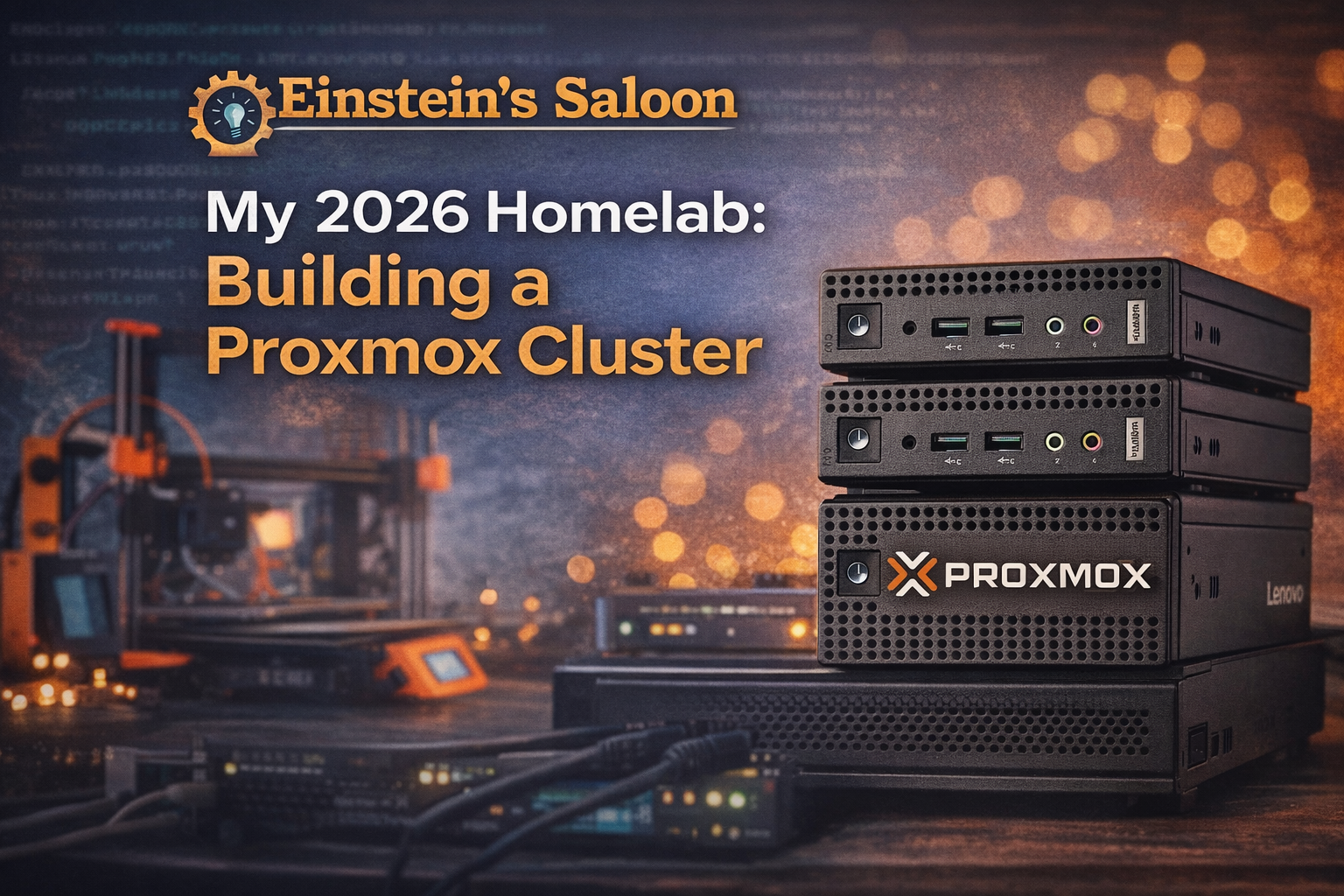
This year started with three repurposed Lenovo 720q Tiny PCs. They’re not new; in fact, they’re e-waste from my job, since they’re too old to upgrade to Windows 11. But they are more than capable of becoming something useful!
So I did what any Linux enthusiast with curiosity and a desire to set up a home lab would do. I turned them into a Proxmox cluster.
Why a Proxmox Cluster?
I’ve written about Linux systems from the perspective of a daily driver: desktops, workflows, tools, and configuration. But increasingly, my curiosity has shifted more towards infrastructure—how systems run behind the scenes.
Proxmox sits at an interesting intersection:
- Linux-based
- Open source
- Widely used in homelabs and
- Powerful enough to do real work
Rather than reading about Proxmox in the abstract, I wanted to learn it the only way that really sticks: by building something real and seeing what breaks.
The Cluster: Small Machines, Big Lessons
The cluster itself is modest:
- Three Lenovo 720q Tiny PCs
- Repurposed hardware instead of new purchases
- Low-power draw
- Quiet enough to live outside a data center
- Just complex enough to be educational
I plan to write about
- Initial setup and configuration decisions
- Storage choices and mistakes
- Networking confusion
- Clustering quirks
- Backup strategies
- Updates that go smoothly—and the ones that don’t
- Things I wish I’d known earlier
This won’t be a polished “how-to guide from an expert.”
It will be a learning journal—documenting what works, what doesn’t, and why.
Learning Proxmox the Honest Way
There’s a lot of Proxmox content online. Much of it assumes:
- Prior virtualization experience
- Comfort with enterprise terminology
- A willingness to gloss over mistakes
That’s not how I learn, and it’s not how I want to write.
This year at Einstein’s Saloon, you’ll see:
- Incremental progress
- Honest missteps
- Configuration experiments
- Rebuilds
- Revisions
- “I broke this, and here’s what I learned” posts.
If you’re curious about Proxmox but intimidated by it, this series is for you.
Expanding the Scope: 3D Printing Joins the Saloon
Alongside virtualization, another hands-on tool has become a bigger part of my daily tech life: 3D printing.
While it may not look like traditional Linux territory at first glance, 3D printing fits naturally into the same mindset:
- Open-source software
- Tinkering and iteration
- Hardware meets software
- Learning by doing
- Solving real problems with tools you control
In 2026, I’ll be writing about:
- How I’m using my 3D printers
- Practical projects
- Lessons learned from failed prints
- Workflow tweaks
- 3D modeling
- How open-source tools fit into the process
- Why 3D printing isn’t just a novelty
I won’t be writing about flashy figurines, but about useful, repeatable outcomes—the same philosophy that drives everything else here.
What Einstein’s Saloon Will Be in 2026
This year, the site will lean into:
- Real systems, not hypotheticals
- Learning in public
- Repurposing hardware
- Open-source infrastructure
- Practical experimentation
- Honest documentation
Less “perfect setups” and more “here’s what actually happened.”
Einstein’s Saloon remains the genius bar for the free and open-source community, but in 2026, the genius will look a little messier.
Looking Ahead
If you’re interested in
- Proxmox without the enterprise gloss
- Building useful systems from leftover hardware
- Watching someone learn infrastructure from the ground up
- Practical Linux-adjacent projects
- 3D printing with purpose
Then you’re in the right place.
Pull up a stool; let’s build, break, and learn together in 2026!