
Don’t Get Mad, Get Triggered: 4 Home Assistant Automations I’m Finally Trying

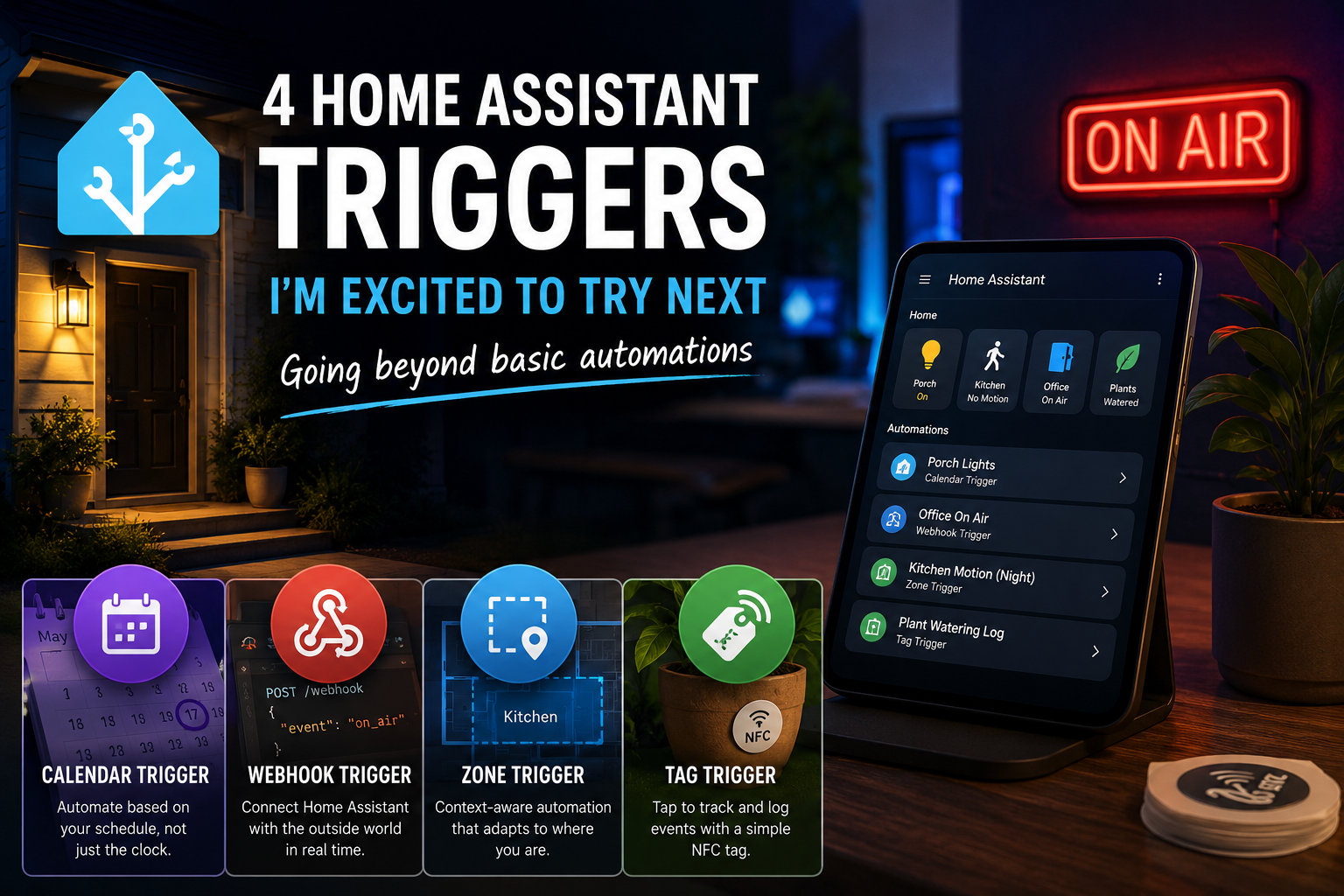
Stylized Home Assistant automation dashboard displayed on a smart tablet beside an illuminated “On Air” sign, featuring visual icons for calendar, webhook, zone, and NFC tag triggers in a modern smart home environment.
Exploring advanced Home Assistant triggers including calendar, webhook, zone, and NFC tag automations in a modern smart home setup.
Home Assistant has been running on my tiny Proxmox cluster for months, but I’ve only used it as a background service until now. It’s time to get hands-on and make it truly useful in my home. I’m finally ready to stop treating Home Assistant as a background service and start automating my home. To kick things off, I’ve been exploring some lesser-known triggers that go beyond standard motion-based setups. Here are four Home Assistant triggers I’m excited to try, and why they’re next on my list:

1. The Calendar Trigger

I’ve recently added four smart bulbs to my front porch. While having them turn on and off at set times is a great start, it’s not very flexible. With the Calendar trigger, the lights can adjust automatically to my schedule, turning on or off based on my calendar events. This means if I’m away or my plans change, my porch lights will match my real-time needs, eliminating the need for manual overrides.

2. The Webhook Trigger

I love the idea of Home Assistant interacting with things outside my home network. The Webhook trigger makes this possible by allowing external services or my computer to trigger automations. For example, I plan to set up a digital “On Air” display outside my office door. By firing a webhook from my PC when I start a call, I can instantly let others know I’m busy. This trigger benefits my workflow by tightening integration between my home setup and computer-based activities.

3. The Zone Trigger

To make my home more intuitive, I will use the Zone trigger with kitchen motion sensors. The main benefit is context-aware automation: late at night, the sensors will activate a low-light scene instead of full brightness. This setup provides comfort and avoids harsh lighting during late-night water trips, enhancing both convenience and ambiance without manual intervention.

4. The Tag Trigger

I’m sitting on a pile of unused NFC stickers, so the Tag trigger is the perfect opportunity to put them to good use. The main benefit is easy tracking of plant care: until I can implement advanced moisture sensors, scanning an NFC tag after watering instantly logs the event. This bridges the gap until my custom hardware is ready, helping me build good care habits and keeping records up to date with minimal effort.
Home Assistant has so many layers that it’s easy to stay stuck in basic automations. I’m excited to see what these triggers can do for my home. If you’ve been procrastinating on your setup, maybe it’s time to experiment together.
Welcome to 2026: Building, Breaking, and Learning in the Saloon!

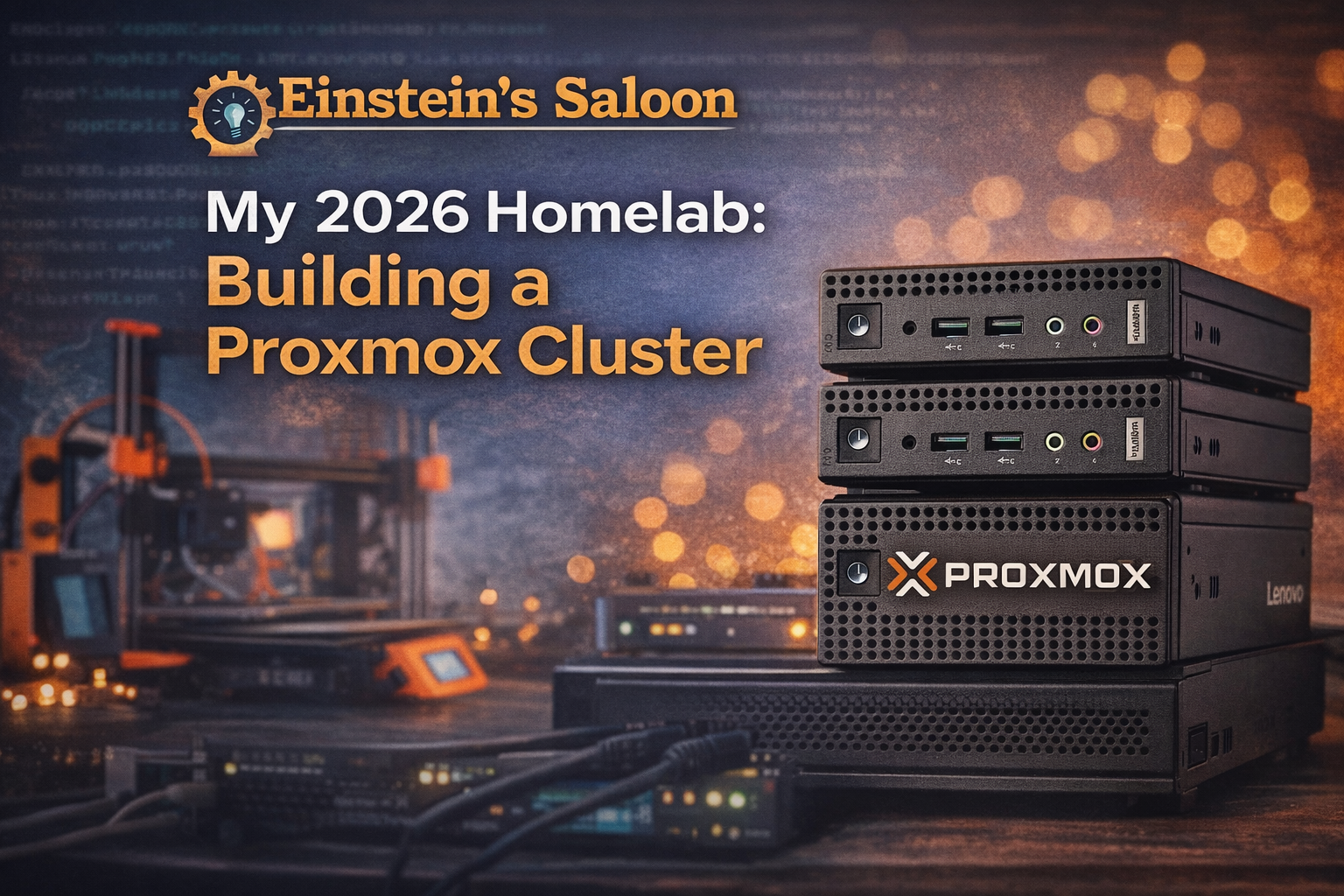
2026 Einstein's Saloon Building a Proxmox Cluster

Welcome, 2026! This year I’m going to get my hands a little dirtier by shifting from theory-heavy exploration into something more concrete: real hardware, real experiments, real mistakes—and the lessons that come from all of it.

This year started with three repurposed Lenovo 720q Tiny PCs. They’re not new; in fact, they’re e-waste from my job, since they’re too old to upgrade to Windows 11. But they are more than capable of becoming something useful! 

So I did what any Linux enthusiast with curiosity and a desire to set up a home lab would do. I turned them into a Proxmox cluster.

Why a Proxmox Cluster?

I’ve written about Linux systems from the perspective of a daily driver: desktops, workflows, tools, and configuration. But increasingly, my curiosity has shifted more towards infrastructure—how systems run behind the scenes.

Proxmox sits at an interesting intersection:

  • Linux-based
  • Open source
  • Widely used in homelabs and
  • Powerful enough to do real work

Rather than reading about Proxmox in the abstract, I wanted to learn it the only way that really sticks: by building something real and seeing what breaks.

The Cluster: Small Machines, Big Lessons

The cluster itself is modest:

  • Three Lenovo 720q Tiny PCs
  • Repurposed hardware instead of new purchases
  • Low-power draw
  • Quiet enough to live outside a data center
  • Just complex enough to be educational 

I plan to write about

  • Initial setup and configuration decisions
  • Storage choices and mistakes
  • Networking confusion
  • Clustering quirks
  • Backup strategies
  • Updates that go smoothly—and the ones that don’t
  • Things I wish I’d known earlier 

This won’t be a polished “how-to guide from an expert.”
It will be a learning journal—documenting what works, what doesn’t, and why.

Learning Proxmox the Honest Way

There’s a lot of Proxmox content online. Much of it assumes:

  • Prior virtualization experience
  • Comfort with enterprise terminology
  • A willingness to gloss over mistakes

That’s not how I learn, and it’s not how I want to write.

This year at Einstein’s Saloon, you’ll see:

  • Incremental progress
  • Honest missteps
  • Configuration experiments
  • Rebuilds
  • Revisions
  • “I broke this, and here’s what I learned” posts. 

If you’re curious about Proxmox but intimidated by it, this series is for you.

Expanding the Scope: 3D Printing Joins the Saloon

Alongside virtualization, another hands-on tool has become a bigger part of my daily tech life: 3D printing.

While it may not look like traditional Linux territory at first glance, 3D printing fits naturally into the same mindset:

  • Open-source software
  • Tinkering and iteration
  • Hardware meets software
  • Learning by doing
  • Solving real problems with tools you control 

In 2026, I’ll be writing about:

  • How I’m using my 3D printers
  • Practical projects
  • Lessons learned from failed prints
  • Workflow tweaks
  • 3D modeling
  • How open-source tools fit into the process
  • Why 3D printing isn’t just a novelty

I won’t be writing about flashy figurines, but about useful, repeatable outcomes—the same philosophy that drives everything else here.

What Einstein’s Saloon Will Be in 2026

This year, the site will lean into:

  • Real systems, not hypotheticals
  • Learning in public
  • Repurposing hardware
  • Open-source infrastructure
  • Practical experimentation
  • Honest documentation 

Less “perfect setups” and more “here’s what actually happened.”

Einstein’s Saloon remains the genius bar for the free and open-source community, but in 2026, the genius will look a little messier.

Looking Ahead

If you’re interested in

  • Proxmox without the enterprise gloss
  • Building useful systems from leftover hardware
  • Watching someone learn infrastructure from the ground up
  • Practical Linux-adjacent projects
  • 3D printing with purpose 

Then you’re in the right place.

Pull up a stool; let’s build, break, and learn together in 2026!