
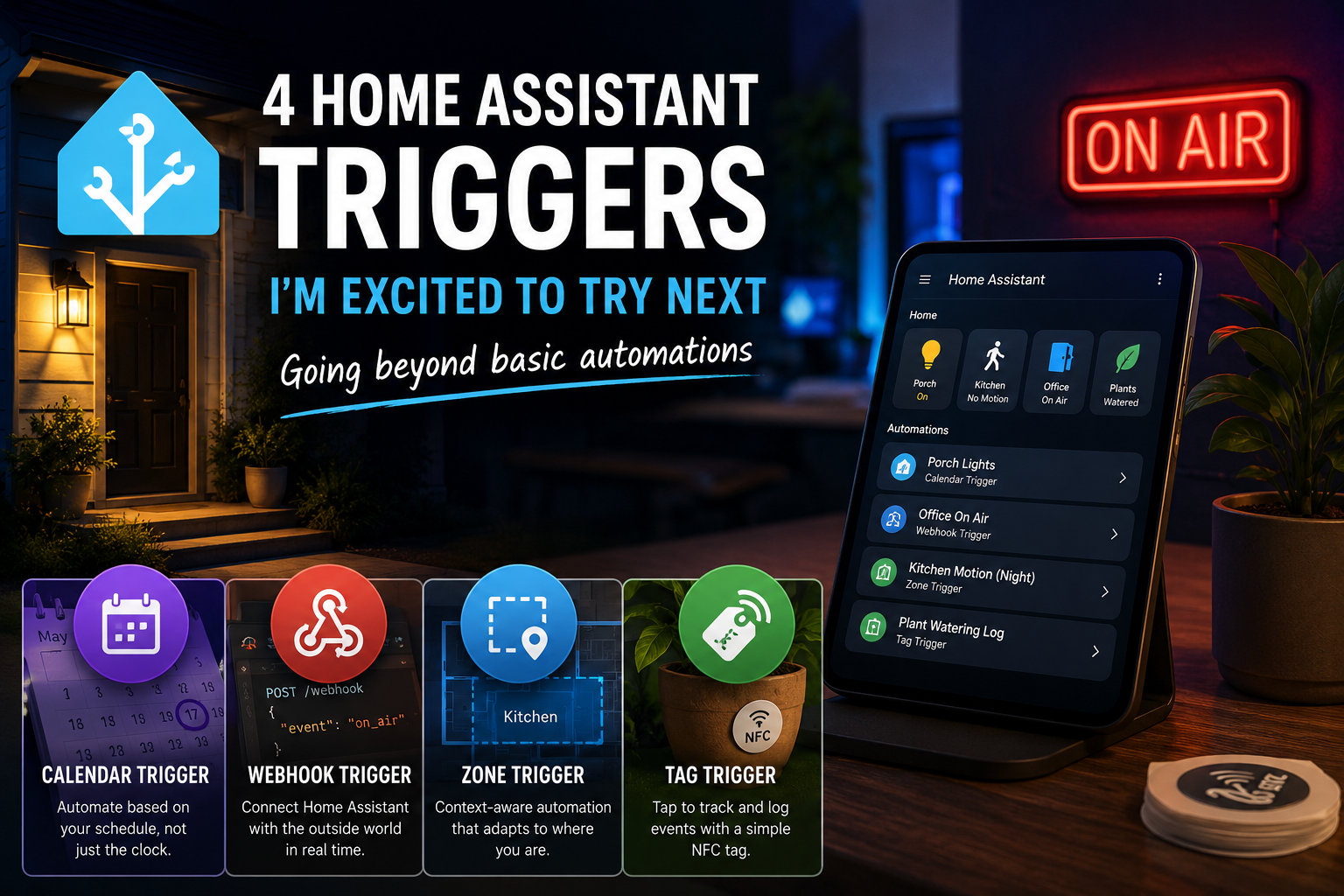
Home Assistant has been running on my tiny Proxmox cluster for months, but I’ve only used it as a background service until now. It’s time to get hands-on and make it truly useful in my home. I’m finally ready to stop treating Home Assistant as a background service and start automating my home. To kick things off, I’ve been exploring some lesser-known triggers that go beyond standard motion-based setups. Here are four Home Assistant triggers I’m excited to try, and why they’re next on my list:
1. The Calendar Trigger
I’ve recently added four smart bulbs to my front porch. While having them turn on and off at set times is a great start, it’s not very flexible. With the Calendar trigger, the lights can adjust automatically to my schedule, turning on or off based on my calendar events. This means if I’m away or my plans change, my porch lights will match my real-time needs, eliminating the need for manual overrides.
2. The Webhook Trigger
I love the idea of Home Assistant interacting with things outside my home network. The Webhook trigger makes this possible by allowing external services or my computer to trigger automations. For example, I plan to set up a digital “On Air” display outside my office door. By firing a webhook from my PC when I start a call, I can instantly let others know I’m busy. This trigger benefits my workflow by tightening integration between my home setup and computer-based activities.
3. The Zone Trigger
To make my home more intuitive, I will use the Zone trigger with kitchen motion sensors. The main benefit is context-aware automation: late at night, the sensors will activate a low-light scene instead of full brightness. This setup provides comfort and avoids harsh lighting during late-night water trips, enhancing both convenience and ambiance without manual intervention.
4. The Tag Trigger
I’m sitting on a pile of unused NFC stickers, so the Tag trigger is the perfect opportunity to put them to good use. The main benefit is easy tracking of plant care: until I can implement advanced moisture sensors, scanning an NFC tag after watering instantly logs the event. This bridges the gap until my custom hardware is ready, helping me build good care habits and keeping records up to date with minimal effort.
Home Assistant has so many layers that it’s easy to stay stuck in basic automations. I’m excited to see what these triggers can do for my home. If you’ve been procrastinating on your setup, maybe it’s time to experiment together.